

An important step in understanding how to improve your content is getting familiar with various applications and software services that you can utilize. In today’s world people are constantly looking at photos and videos through their screens, which is why it’s important that you use all the available resources that you can to make your content better than the others.
Below I’ve listed my top 8 services that you can use to improve your work. This list is in no particular order.
- Canva
- Adobe Illustrator
- Adobe Photoshop
- Affinity Designer
- Pixlr
- Procreate
- Figma
- Adobe InDesign
Canva
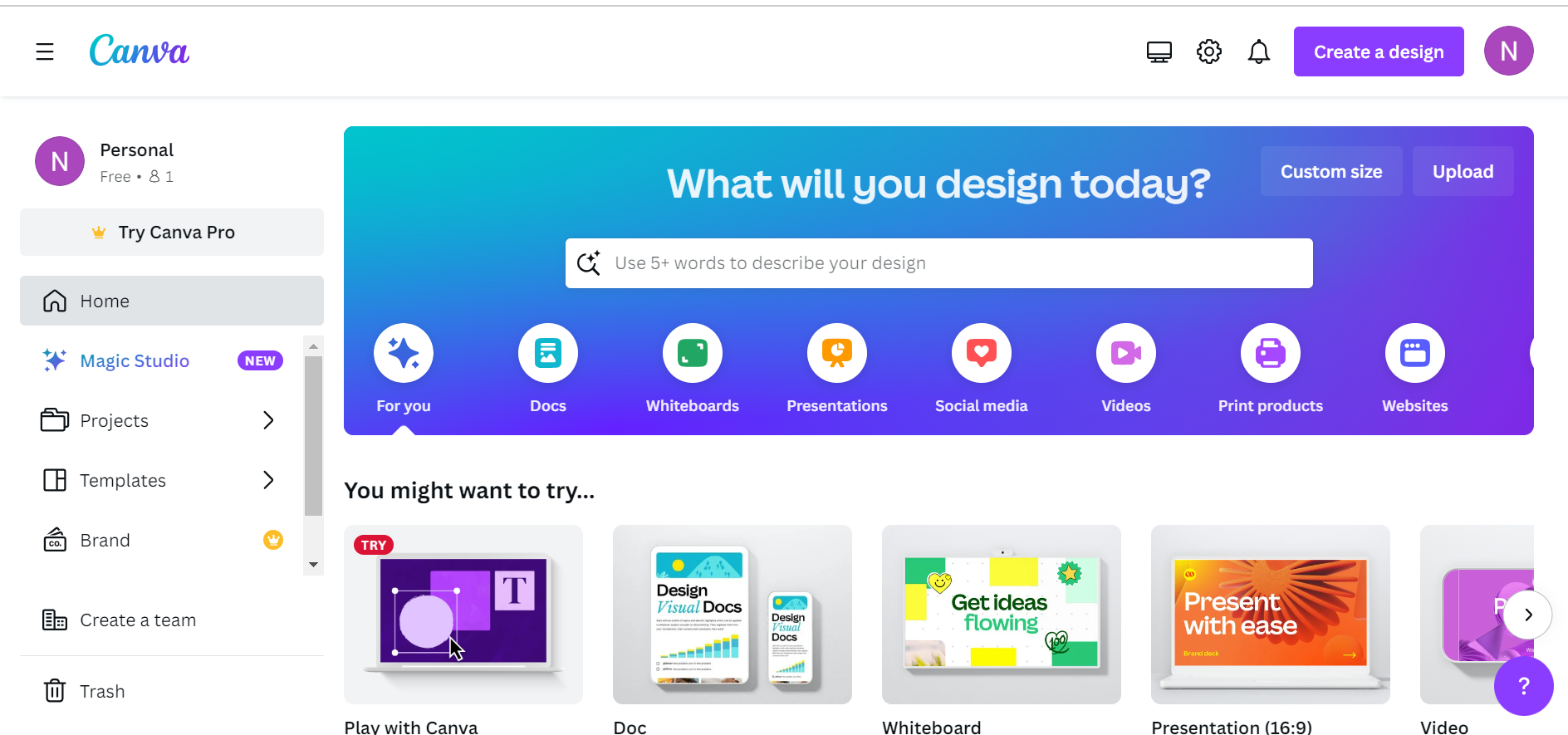
Canva is one of my favorite services to recommend to people in the world of content creation and design. I have a separate review specifically highlighting why I believe it’s useful to those who have experience with design, and those who don’t.
Key Features:
- Ease of use: Compared to other editing/design services, Canva has a much simpler interface, and it’s extremely easy to learn
- Recently added features which implement AI
- Access to hundreds of templates
- Graphics/elements options for photos and videos
Adobe Illustrator
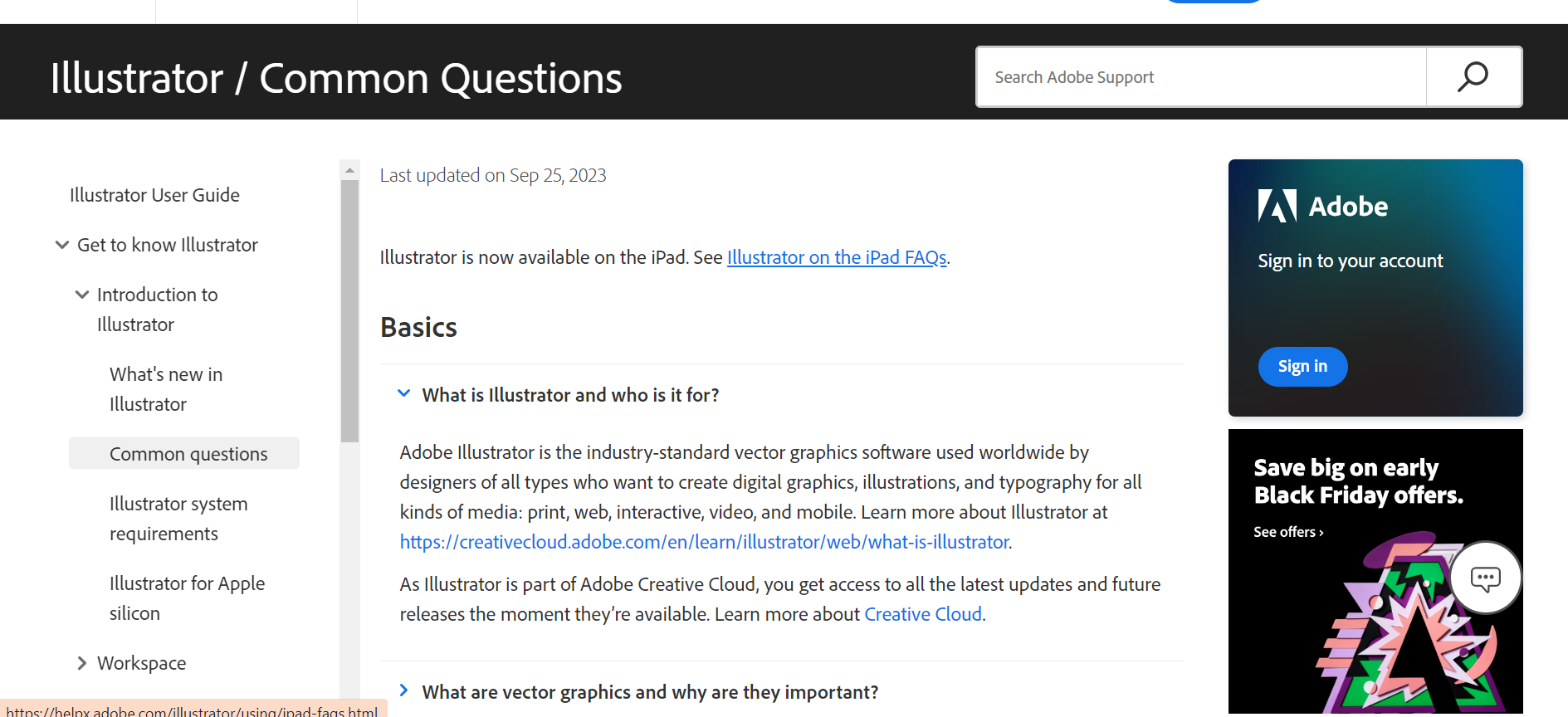
Adobe Illustrator has been around for a while, and although you may not hear about it much anymore, it still offers many useful tools. This is a service you have to pay for, but it does include certain abilities that other services do not. Adobe Illustrator is typically used in the business world to complete tasks such as:
- Creating logos and icons
- Creating promotional and branded content
- Creating website graphics and illustrations
- Content for advertising
- Producing vector-based images
Adobe Photoshop
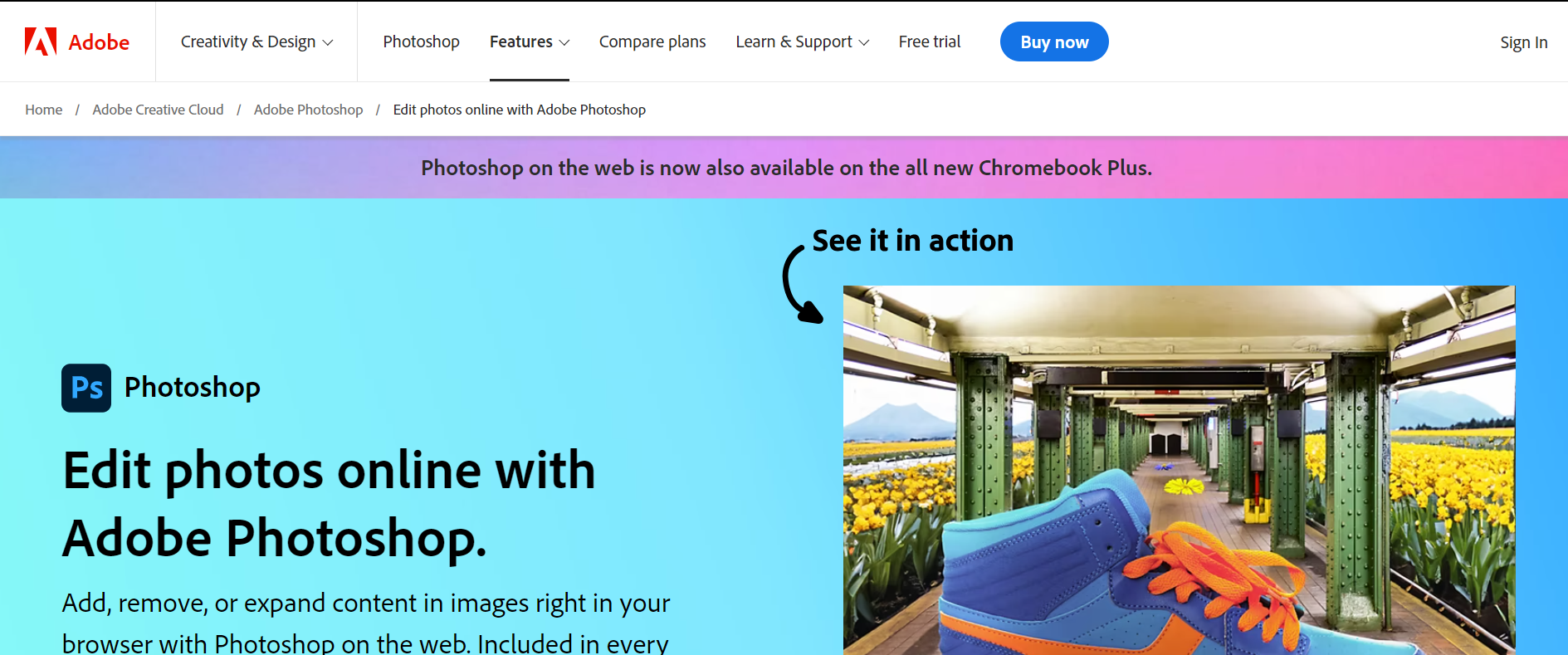
If you feel as if Adobe Illustrator isn’t giving you the creative freedom you’re looking for, you might want to try Adobe Photoshop. This is another paid service, which was the standard in the professional world for years. In my experience, it’s not terribly difficult to learn how to use Photoshop, but if it is, Adobe provides how-to guides for their services (the internet also has countless helpful resources).
Key Features:
- Complete creative control for images, graphics and specific brand needs
- File type versatility
- Quick editing applications
- Collaborative tools
- Retouching and remixing tools for image
Affinity Designer
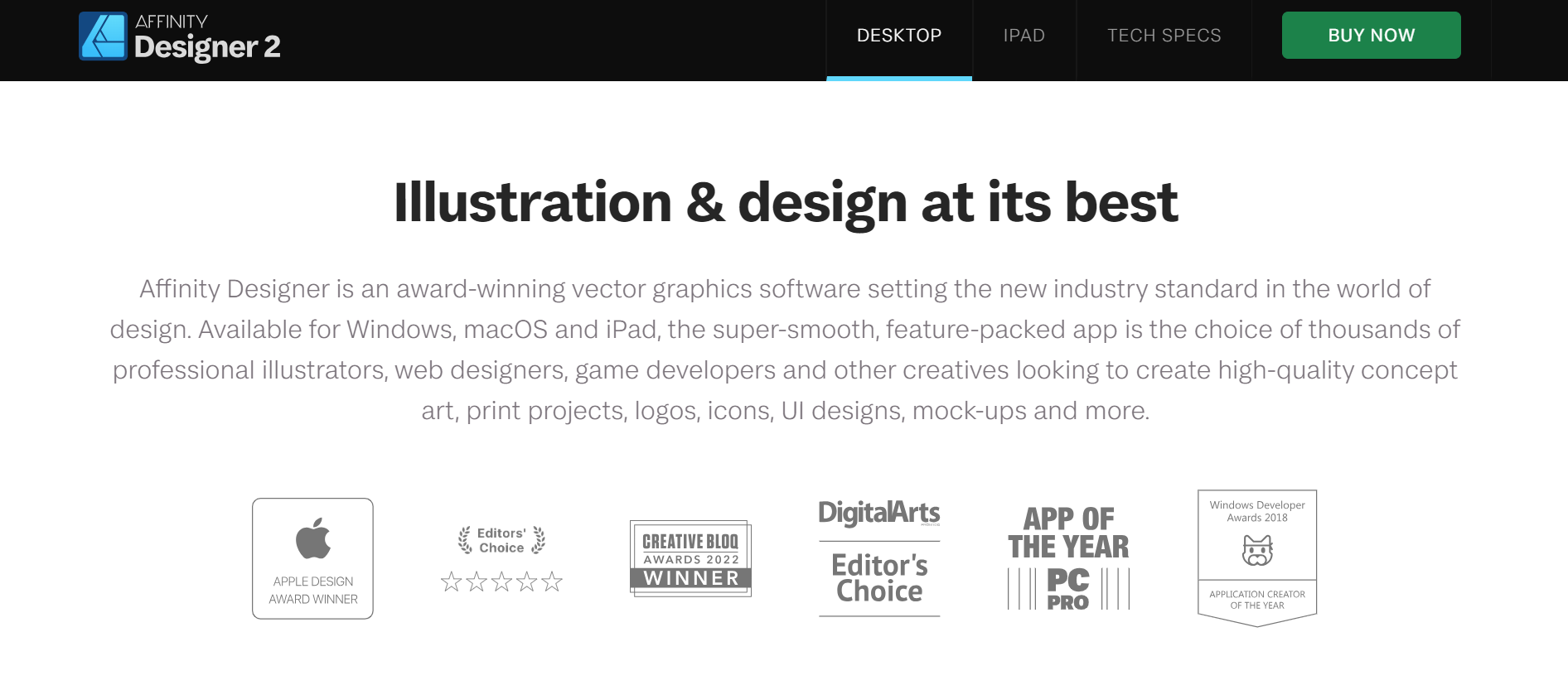
Affinity Designer is another editing service that is similar to Adobe Illustrator. One primary difference between the two is the affordability of Designer. Unless your business/company provides access to Adobe’s paid services, many people would argue that Designer offers all of the same features as Illustrator, but at a better price.
Key Features:
- Simpler and easier to use compared to similar services
- Affordability
- Producing vector-based images
- Greater stability with drawing and brush tools
- Gradient and grain effectiveness

Pixlr
Pixlr is a simple and intuitive service that produces professional results. It’s used amongst college students and in various professional careers, offering similar features to that of Photoshop and Canva. One of the main reasons people use Pixlr is because it’s free, although you can pay for Pixlr Pro if you wish. The ease of use and simplistic aspects are reasons I always consider using it amongst other services.
Key Features:
- Ease of use and accessibility
- Provides templates, filters, effects, and icons
- Offers layers for changes/edits
- Allows multiple users to collaborate at once
Procreate
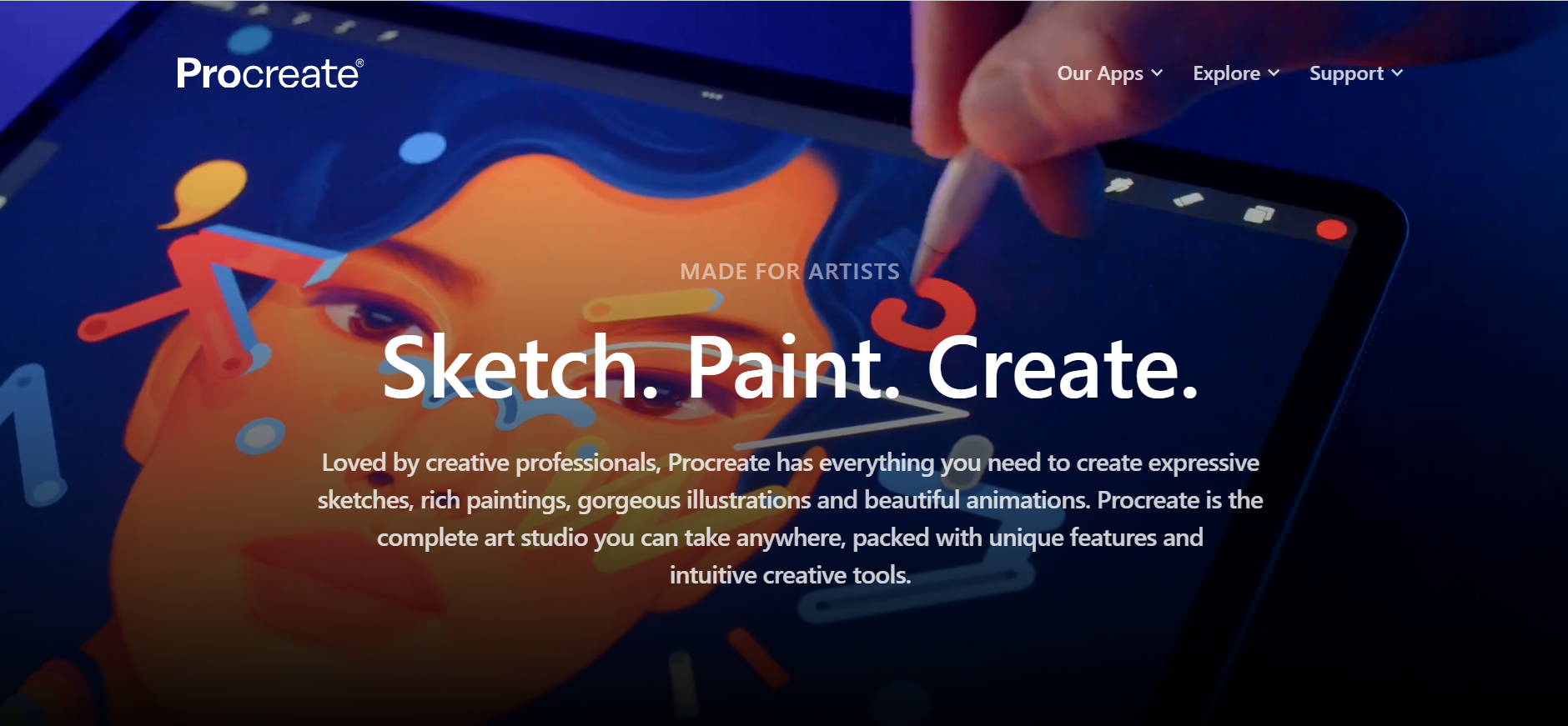
Procreate is the first software service on this list that was targeted for a specific device. Procreate was one of the first editing services that made a name for itself in the iPhone iOS/iPad iOS scene. Procreate is one of the best editing/design services available for the iPad, which has acquired many qualities based on computer operating systems as the iPad continues to improve their capabilities. With increased iPhone and iPad usage amongst the younger generation, Procreate provides an insight to those who may have an interest in graphic editing/design without knowing it.
Key Features:
- Access to editing software on a portable device
- Over 100 brushes used for design and paint tools
- Advanced layering system
- Quick and responsive user interface

Figma
Whereas many of the other services on this list deal primarily with design creation/editing based on your needs, Figma deals primarily with UX (User Experience) and UI (User Interface) design. associated with apps. If you want to go a bit more in depth, Figma is also useful for aspects related to other graphic design areas, such as wireframing or social media posting. One key aspect of Figma is that it’s a free service available through a web browser (also available on Windows and IOS for download), meaning it’s easily accessible and beneficial for whatever design you may need.
Key Features:
- Web-based application
- Real time collaborative environment
- Seamless prototyping
- Smooth migration and integration
- Fast, easy, and efficient
Adobe InDesign
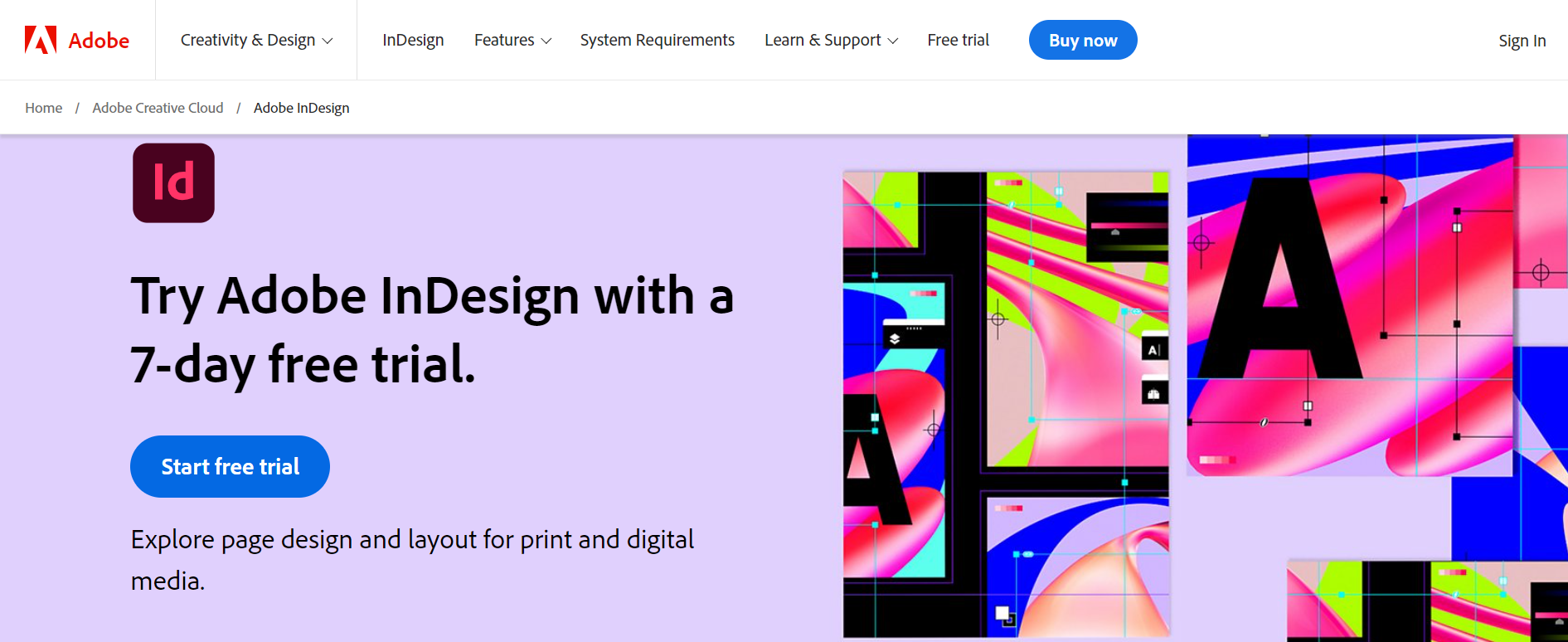
Adobe InDesign is another service that is used primarily in the professional world, and it can be considered an industry standard. This design service has an extremely robust system associated with projects. Since this is an Adobe product like Photoshop and Illustrator, InDesign is a service you have to pay for. It’s primarily used for online digital publications (magazines, brochures, annual reports, business cards, etc….). Adobe InDesign can be used individually, but it also works well when using it with other Adobe products (Photoshop/Illustrator), depending on what you aim to achieve.
Key Features:
- Produces greater quality content for print and digital
- Collaborative with other software services
- Time saving features which include layers, pages, and style groups
- Typography manipulation and editing.
There are unlimited other options for you to consider outside of the editing services listed above. I encourage you to do your own research on which service may be the best fit for you based on your needs, since there are advantages and disadvantages based on the service. I created this list to provide a starting point for the people that may need it, but as you experiment across different programs, you’ll gain a better understanding of the various editing tools features as a whole. Try out different applications yourself and get an understanding of which service feels most beneficial for you.